Ah I was just being impatient. I’m not saying it’s not a well done effect, it just seems a little pointless and not ideal in a blog talking about design
To their credit there is a button in the top navigation menu that turns off the snow.
…Also there’s a night mode button but it completely hides the entire page except for a spotlight you control by clicking around? Interesting feature but I’m not sure I understanding it.
I think it’s a joke about (or rather, a dig at) night mode. I’d seen the blog and that “dark mode” on a previous post about syntax highlighting where he’d mentioned he preferred light mode.

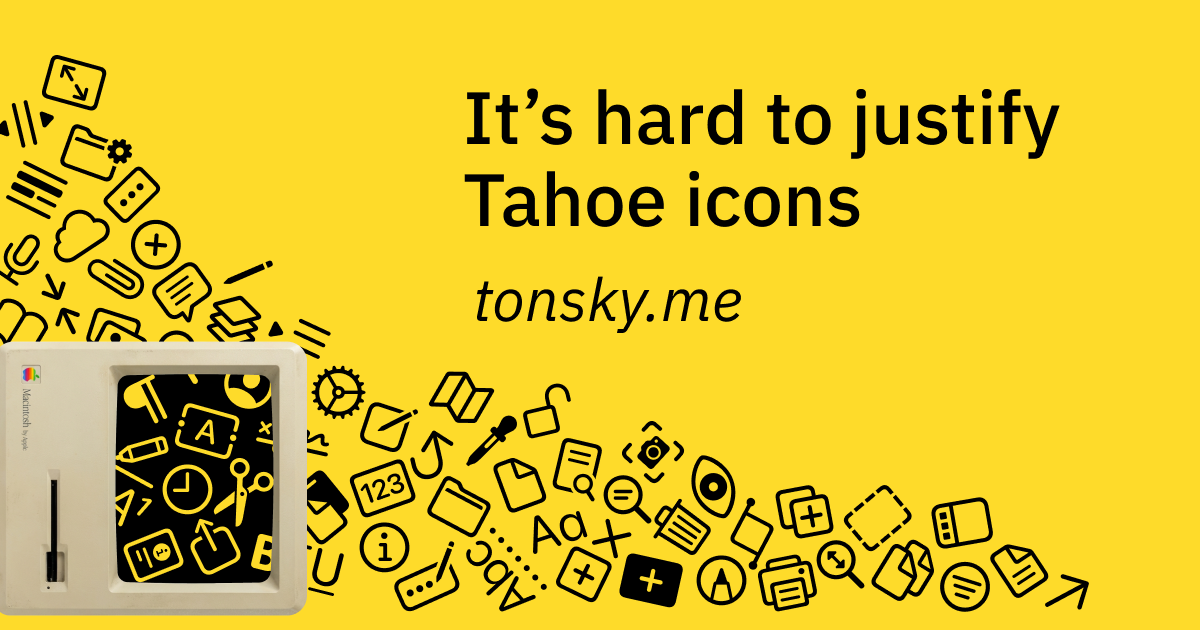
I love how that page adds snowfall over itself… Cluttered, distracting snowfall.
Irony is dead… Long live irony
No fun allowed
They also use a snowflake icon for light\dark mode rather than, you know, toggling the distracting falling element.
But, the article does bring up a lot of a valid points
It does toggle it. But they don’t disappear, just new ones stop falling in, so the existing snowflakes still need some time to exit the screen.
Ah I was just being impatient. I’m not saying it’s not a well done effect, it just seems a little pointless and not ideal in a blog talking about design
It’s the kind of thing I was doing in the late ’90s with DHTML, copying random scripts off websites like Dynamic Drive
To their credit there is a button in the top navigation menu that turns off the snow.
…Also there’s a night mode button but it completely hides the entire page except for a spotlight you control by clicking around? Interesting feature but I’m not sure I understanding it.
I think it’s a joke about (or rather, a dig at) night mode. I’d seen the blog and that “dark mode” on a previous post about syntax highlighting where he’d mentioned he preferred light mode.